Organize your movie collection perfectly
DVD Chief is a slick, highly useful program for movie buffs.
This application allows you to organize your movie collection automatically, edit and then enjoy the fruits of your labor via the perfectly browseable, searchable database that puts all the info you need right at your fingertips.
Adding movies
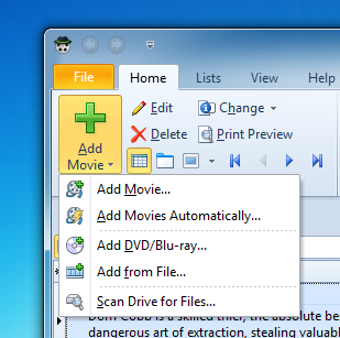
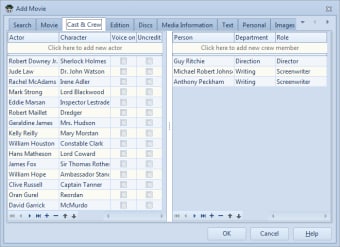
You can enter your movies into DVD Chief in various ways, from letting the app automatically process movies you physically enter into the DVD drive to adding films individually from files. The app then automatically finds all the information available about your movie from various internet sources, and fills in the fields available.
DVD Chief is a very flexible app, so if the information isn't just as you want it, you can edit it manually. The software also allows you to add movie information in whatever language you want, and there's also a place for your notes, which is really important if you're a serious cinema fan.
Viewing your collection
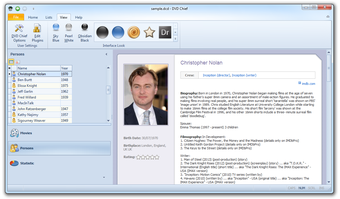
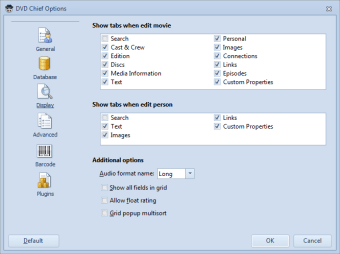
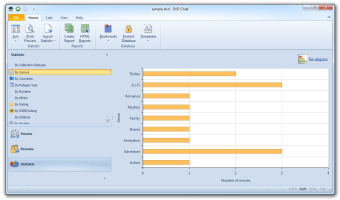
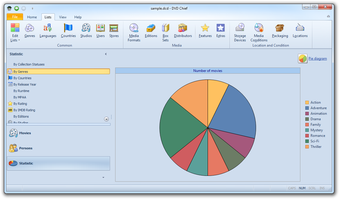
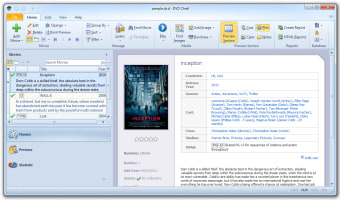
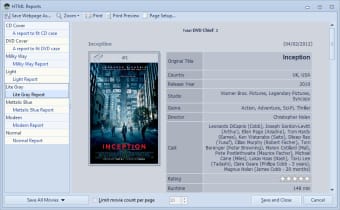
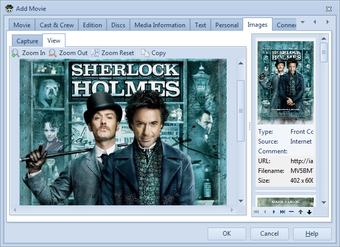
When it comes to viewing your movie information, DVD Chief doesn't let you down. It provides all the information you need, from actors to production statistics and genres to reviews in an easily modified (and skinned) interface. You can also view your movies in the Lists tab, which is an interesting overview of your collection.
Problems to be solved
Unfortunately, we found a few problems with DVD Chief, not least with the file search, which took a long time and was unstoppable - literally! We asked it to search our hard drive for movies, but when we realized that it was too big a job to undertake with so few filters and tried to stop it, it resisted stubbornly and we had to shut DVD Chief down from End Task.
The DVD Chief interface can be a little hard to navigate - when you delve too far into a menu, it can be hard to get back to the home screen - the best way around this is by using the back and forward buttons at the top left of the DVD Chief interface.
DVD Chief is an excellent - and promising - app, but it's still got a few wrinkles that need to be ironed out. We're looking forward to seeing the next version.
Changes
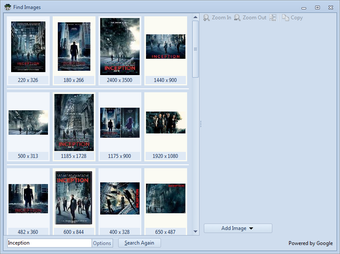
DVD Chief now included help file Find person photos in internet Copy statistic data